Libby Users: New Middle North Collection Launching 4 August
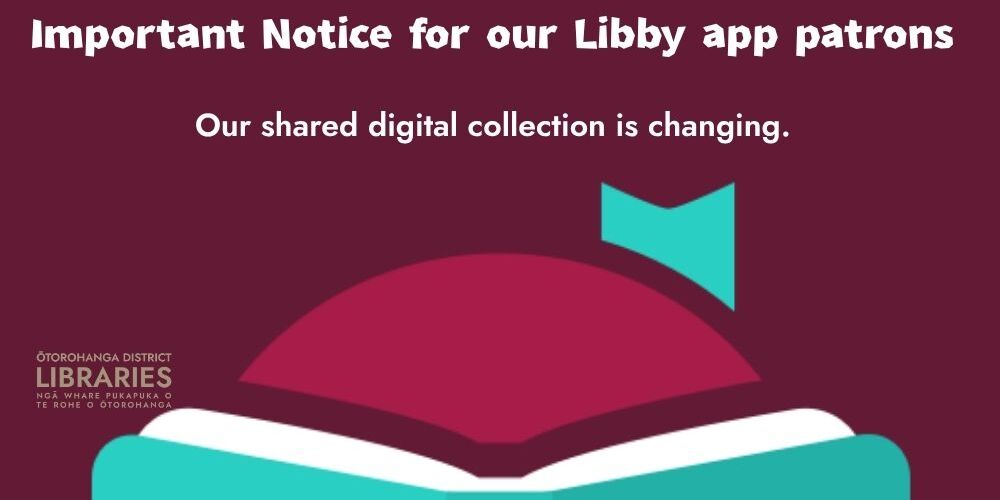
From 4 August, Ōtorohanga District Library will be joining a new digital library consortium called Middle North.
As a result, Libby users will need to connect to the new Middle North collection to continue accessing eBooks, eAudiobooks and digital magazines.
From 4 August, Ōtorohanga District Library will be joining a new digital library consortium called Middle North.
As a result, Libby users will need to connect to the new Middle North collection to continue accessing eBooks, eAudiobooks and digital magazines.
How to Access the New Collection
From 4 August:
- Open the Libby app.
- Select Add Library.
- Search for Ōtorohanga District Library.
- Choose the Middle North collection.
- Enter your library card number and PIN.
What Will Happen to My Loans?
Any items you currently have on loan will remain available until they are returned or expire. You do not need to take any action for current loans.
What Will Happen to My Holds?
Existing holds will be transferred to the new Middle North consortium. Holds will either:
- Be matched to copies available in the new collection, or
- Be placed on a list for consideration for purchase.
What Will Happen to My Reading History?
Your reading history can be transferred to the new collection, provided you add the new Middle North collection within your existing Libby app.
Important: Do not delete and reinstall the Libby app before making the change, as this may prevent your reading history from transferring.
Need Assistance?
Library staff are available to help you connect to the new collection or answer any questions you may have about the transition.
Contact us or visit the library if you need support with setting up Libby after 4 August.
Ōtorohanga District Library
Connecting our community to books, audiobooks, magazines and more.
More News

BOOK NOW FOR THE PREMIERE OF AN INSPIRING FILM BY ŌTOROHANGA COLLEGE STUDENTS

Understanding Dyslexia and other reading difficulties
Build, Explore, and Engineer This Term 4!

HEAD START ON HOLD FOR ALL LOCAL AND REGIONAL GOVERNMENT